
Effortless APK Management Made Simple
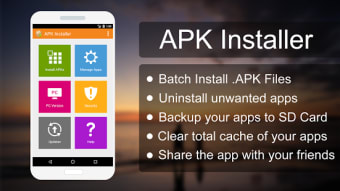
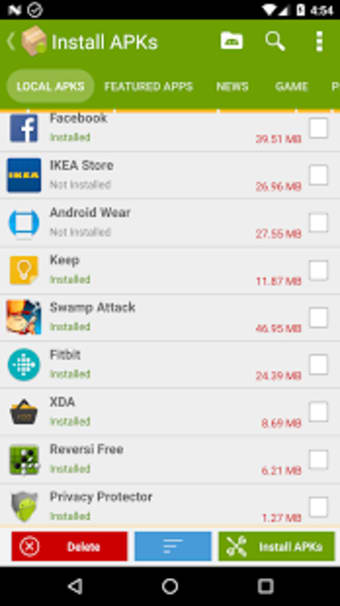
APK Installer by Mobile Manager is a free Android utility app that simplifies how users handle and install Android Package Kit (APK) files. Designed for efficiency, it scans storage for APKs, displays installation status, and supports batch operations—all within a straightforward interface. The app focuses on convenience for users who frequently install or back up APKs outside of the Google Play ecosystem, making it ideal for advanced users managing multiple applications.
Top Recommended Alternative

Streamlined and User-Friendly Tools
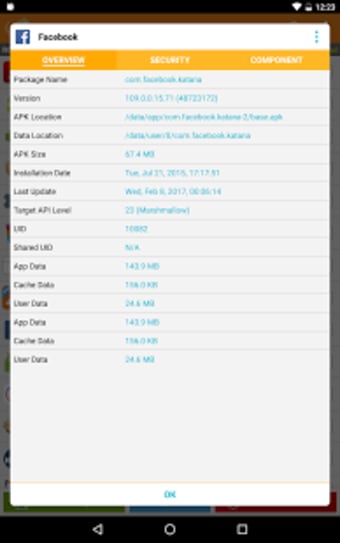
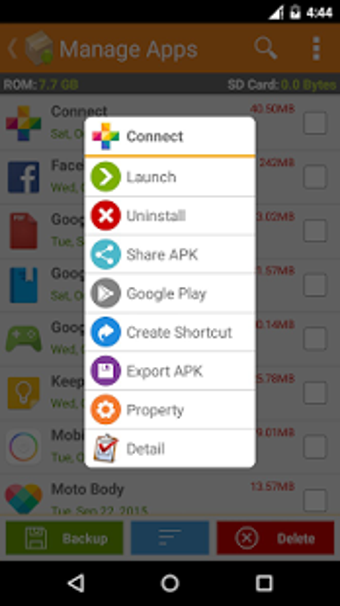
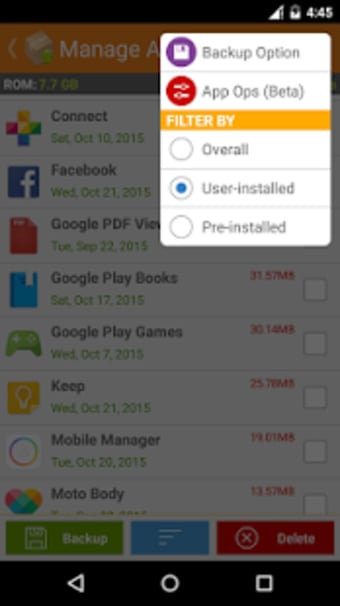
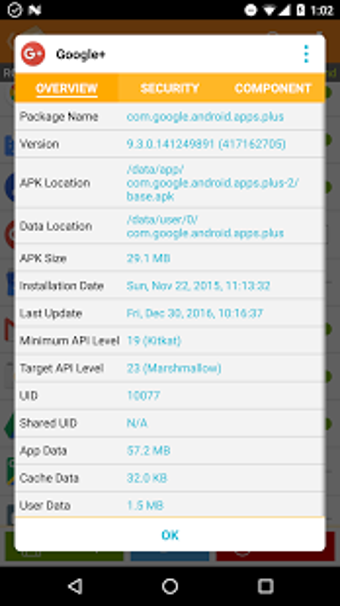
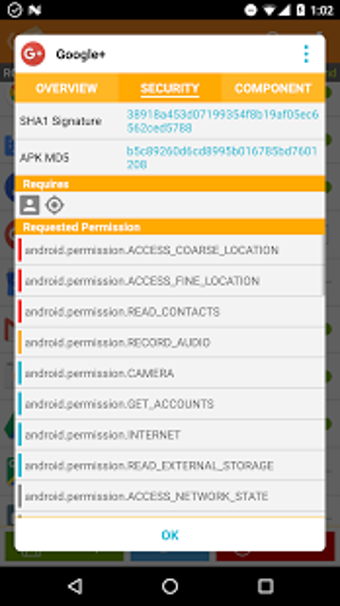
APK Installer keeps the process simple with an intuitive layout and fast access to essential tools. Users can back up existing apps, batch-uninstall multiple programs, and view detailed file information including version, size, and developer. It detects available storage and SD card space to optimize installation, while built-in antivirus scanning adds a layer of safety against corrupted files. Though its security checks are basic, they help reduce common risks associated with manual APK installations.
PC Integration and Limitations
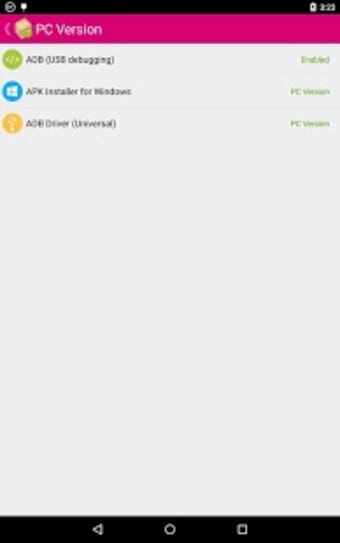
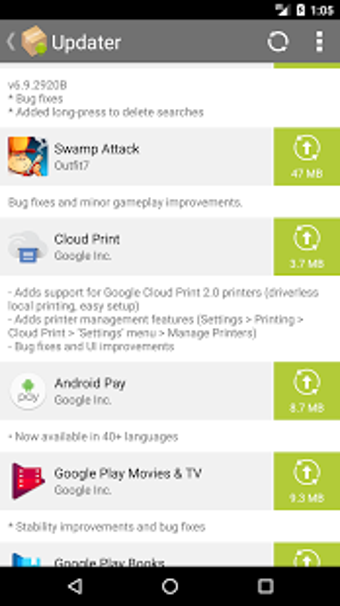
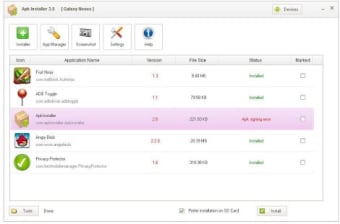
Beyond Android devices, the app can connect to a companion Windows tool via ADB (USB Debugging), allowing users to install APKs directly from their computer. This cross-platform link makes it easier to manage large collections or restore backups. However, the antivirus scanner lacks advanced features such as password protection or scheduled scanning, and update detection may sometimes lag. Additionally, the absence of an in-app help section can leave less experienced users searching online for guidance.
A Practical Solution for Power Users
Overall, APK Installer by Mobile Manager remains a practical choice for Android users who sideload apps or manage APK libraries manually. It runs smoothly on most devices, supports batch actions, and doesn’t hide essential features behind paywalls. Still, users should exercise caution—manual installation requires granting permissions for unknown sources, which can pose risks if APKs come from unverified origins.



.png)